Best POS Machines and Billing Systems for Businesses
In 2025, digital transformation continues to reshape how businesses handle billing, sales, and customer service. Whether you’re running a restaurant, retail outlet, salon, cafe, or supermarket, a reliable Point of Sale (POS) machine and billing system is crucial for smooth operations. A POS system is no longer just a payment terminal—it’s an integrated solution that manages sales, inventory, payments, analytics, and customer relationships all in one place. This guide will help you understand the latest POS trends, must-have features, and Best POS Machines and Billing Systems for businesses in 2025—so you can make an informed choice.
What is a POS Machine?
A POS machine (Point of Sale machine) is a combination of hardware and software that enables a business to accept payments, generate bills, and manage transactions.
It usually consists of:
-
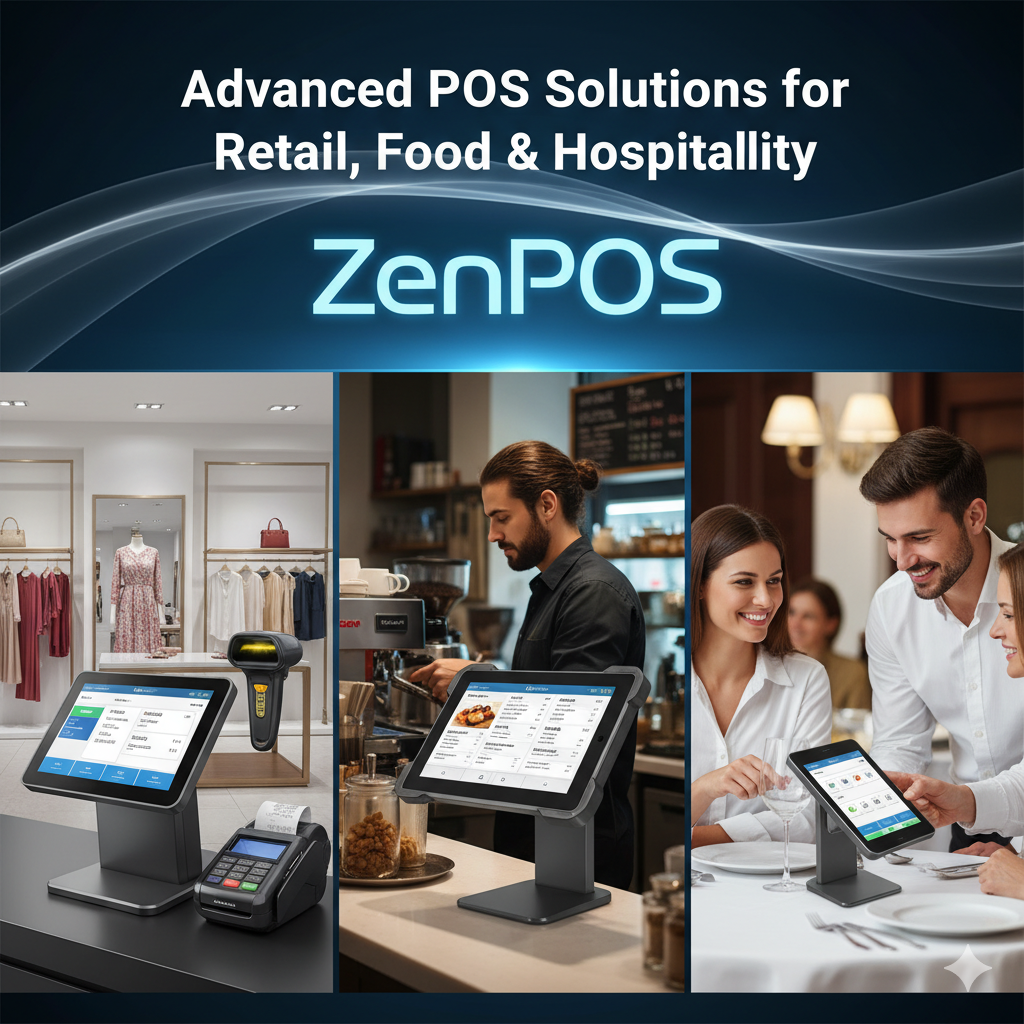
Hardware: Touchscreen terminal, receipt printer, barcode scanner, card reader, and cash drawer.
-
Software: Billing system that handles product catalogs, taxes, reports, and payment integrations.
Modern POS machines are often cloud-based, meaning you can access your data anywhere, anytime.
Why POS Systems Matter in 2025
Businesses in 2025 are prioritizing automation, real-time reporting, and digital payments. Here’s why upgrading to a modern POS system is essential:
💳 Multiple Payment Options – Accepts UPI, cards, wallets, QR codes, and even online links.
📦 Inventory Sync – Tracks stock in real-time and prevents over-selling.
📈 Analytics & Reports – Gain valuable insights into top-selling products and sales trends.
🤝 Customer Management – Build loyalty programs and offer digital receipts.
☁️ Cloud Connectivity – Manage multiple outlets from one dashboard.
🔐 Data Security – Ensure safe and encrypted transactions.
A POS system isn’t just a billing tool—it’s your business command center.
Types of POS Machines & Billing Systems
Depending on your business size and requirements, there are different types of POS setups available:
| Type | Description | Best For |
|---|---|---|
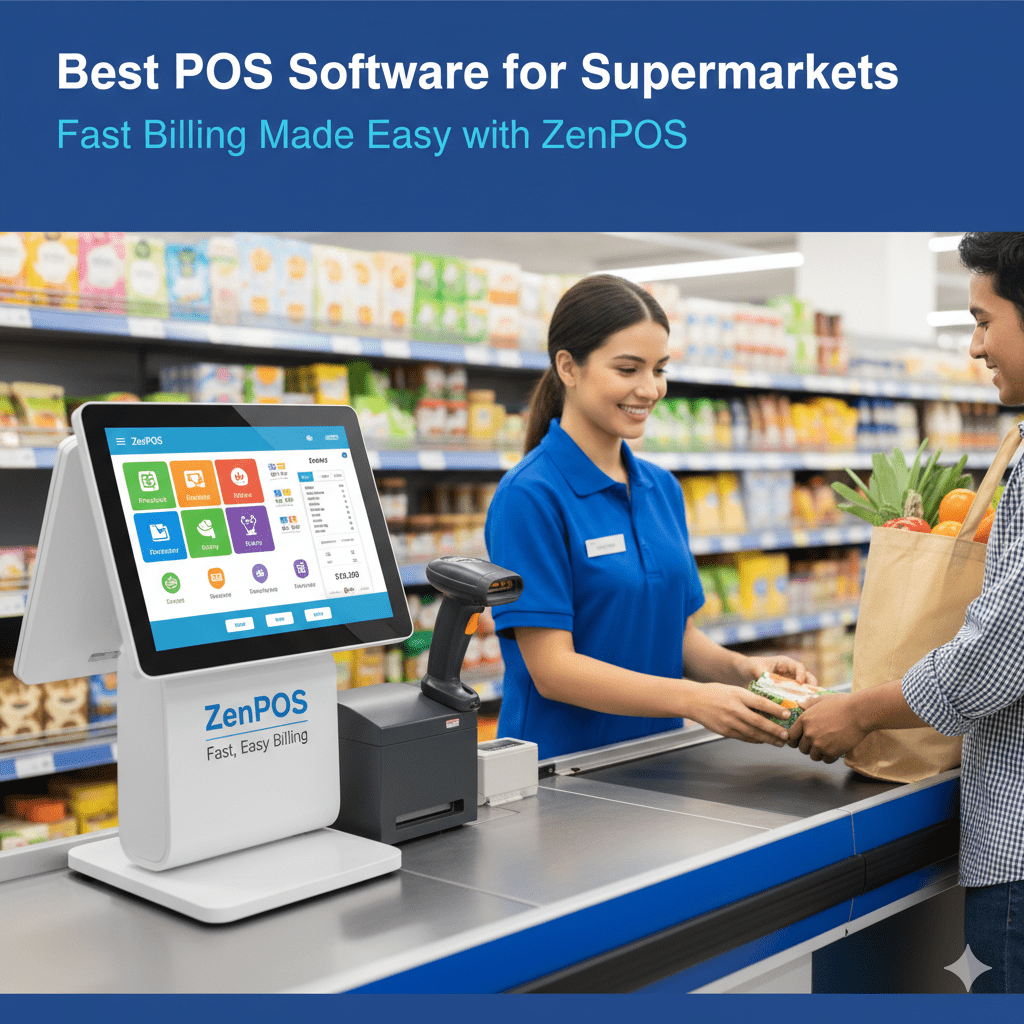
| Countertop POS | Fixed machine installed at a counter. High processing power and reliable. | Retail stores, supermarkets |
| Mobile POS (mPOS) | Portable devices or smartphones paired with card readers. | Food trucks, pop-up shops |
| Cloud POS | Works online, syncs across multiple branches in real-time. | Chains and franchises |
| Self-Service Kiosk POS | Customers can place orders and pay directly. | Restaurants, fast food outlets |
| Tablet POS | Lightweight touchscreen tablets with software apps. | Cafés, salons, boutiques |
Top Features to Look For in 2025
Before purchasing any POS solution, ensure it includes the following features:
✅ Cloud Backup & Real-Time Sync
✅ Multiple Payment Methods (UPI, cards, wallets, QR)
✅ GST-Ready Billing & Tax Management
✅ Offline Mode (works without internet)
✅ Multi-Store & Multi-User Access
✅ Barcode Scanning & Inventory Control
✅ CRM & Loyalty Programs
✅ Employee Performance Tracking
✅ Role-Based Access Control
✅ Integration with Accounting Software (like Tally, Zoho Books)
How to Choose the Right POS System
Choosing the right POS system depends on several factors:
Business Type: Restaurant POS differs from retail POS.
Budget: Consider both hardware cost and monthly software fees.
Integrations: Check compatibility with your existing accounting, e-commerce, or CRM tools.
Support & Training: Reliable customer support is crucial.
Scalability: Ensure it supports future expansion or multiple outlets.
🧩 Top POS Machines and Billing Systems in India
Here’s a detailed comparison of some of the best POS machines and billing systems in India—based on performance, features, and pricing.
| POS System | Ideal For | Key Features | Pricing (Approx) | Pros | Cons |
|---|---|---|---|---|---|
| ZenPOS | Restaurants, Cafes, Retail Stores | Cloud-based, Menu & Table Management, Multi-store sync, UPI/Card/QR support, Reports | ₹1,499/month | Best suited for Multi-level / multi outlet restaurants, LMD module | Limited integration |
| Petpooja | Restaurants & QSRs | KOT, recipe management, third-party delivery integration | ₹1,200/month | Restaurant-focused, stable | Expensive add-ons |
| GoFrugal POS | Retail, Pharmacy, Supermarket | Inventory, GST, Multi-store, eCommerce link | ₹1,000–₹2,000/month | Reliable brand, scalable | UI feels dated |
| Square POS | Global businesses & stores | All-in-one hardware + software | Subscription-based (USD) | Sleek design, advanced analytics | Not fully localized for India |
| Posify | Grocery, Electronics, Apparel | Barcode, stock alerts, credit management | ₹899/month | Affordable, easy setup | Fewer integrations |
| Rista POS | Cafes & QSRs | Tablet-based POS, offline mode, recipe costing | ₹1,499/month | Smooth mobile experience | Limited customization |
| Mswipe Wisepos Go | Small merchants, mobile vendors | mPOS device with QR + card reader | ₹6,000 (device) + minimal fee | Portable, easy onboarding | Limited inventory features |
| ePaisa POS | Retail & service outlets | CRM, billing, accounting, GST | ₹999/month | Comprehensive suite | UI complexity |
| Pine Labs POS | Large retail chains | Smart terminal, EMI, loyalty programs | Based on transaction volume | Industry-grade reliability | High cost for small vendors |
| RetailIO POS | Pharmacies, medical shops | Batch expiry, supplier sync, GST | ₹1,499/month | Ideal for healthcare | Not suited for restaurants |
🥇 Editor’s Pick: ZenPOS
If you’re looking for a balanced, scalable, and user-friendly POS system, ZenPOS stands out.
It combines simplicity with powerful analytics and is built for Indian businesses that handle both dine-in and delivery operations.
-
Supports UPI, wallets, and cards
-
Real-time sync across branches
-
Automatic report generation
-
Restaurant-friendly interface
Emerging POS Trends in 2025
AI-Powered Analytics – Predictive inventory management and customer insights.
Voice-Enabled Checkout – Reducing time at counters.
Integrated QR Billing – UPI and QR-based quick billing gaining dominance in India.
Cloud-first Architecture – Real-time sync for multi-branch businesses.
Eco-Friendly Billing – E-receipts replacing paper slips.
Contactless Self-Checkout Kiosks – Ideal for quick-service environments.
Benefits of Using a POS Machine
-
🚀 Faster Billing: Reduce waiting time and improve customer satisfaction.
-
📊 Smart Decision Making: Real-time analytics and insights.
-
💼 Better Staff Management: Track performance and attendance.
-
💰 Reduced Errors: Automated calculations prevent billing mistakes.
-
🌍 Remote Access: Manage business anytime, anywhere.
Common Mistakes to Avoid
❌ Ignoring long-term software subscription costs.
❌ Buying hardware without checking software compatibility.
❌ Not training your staff properly.
❌ Choosing systems without after-sales support.
❌ Overpaying for unnecessary advanced features.
Step-by-Step Implementation Plan
Evaluate Business Needs – Identify your required features.
Shortlist POS Vendors – Ask for demos or trials.
Compare Hardware and Software – Choose one compatible with your workflow.
Setup & Configuration – Connect printers, scanners, and payment gateways.
Staff Training – Conduct short sessions for smooth adoption.
Go Live & Monitor – Track real-time reports for accuracy.
Final Thoughts
The right POS machine and billing system in 2025 can transform your business operations—making them faster, smarter, and more customer-focused. Whether you run a café, retail shop, or restaurant chain, choose a solution that combines ease of use, affordability, and analytics. Systems like ZenPOS offered by Zendynamix Software are leading the market due to their modern features and reliability. Investing in a POS today means securing a smoother, data-driven, and profitable future for your business.